


All prototypes presented in this article were created by previous Masters of Human-Computer Interaction students at Carnegie Mellon University.
One of the most important parts that is easily overlooked when building a product is prototyping. Whether your team is strapped for talent or you’re working in the Waterfall methodology, it’s still important to prototype rapidly and as often as you can. Prototyping is a crucial way to test your assumptions of your product and gain user feedback before releasing your product into the wild.
The Basics of Rapid Prototyping
Rome wasn’t built in a day, and neither should your digital product. Take the time to test your prototypes to get to the core of user needs without taking too much time to make the prototypes themselves. Just by testing your own assumptions of the product, you can not only see if your users like your product or not, you can also get to the root of the issues that the users want.
So what exactly constitutes a prototype, and how do you begin to make them?
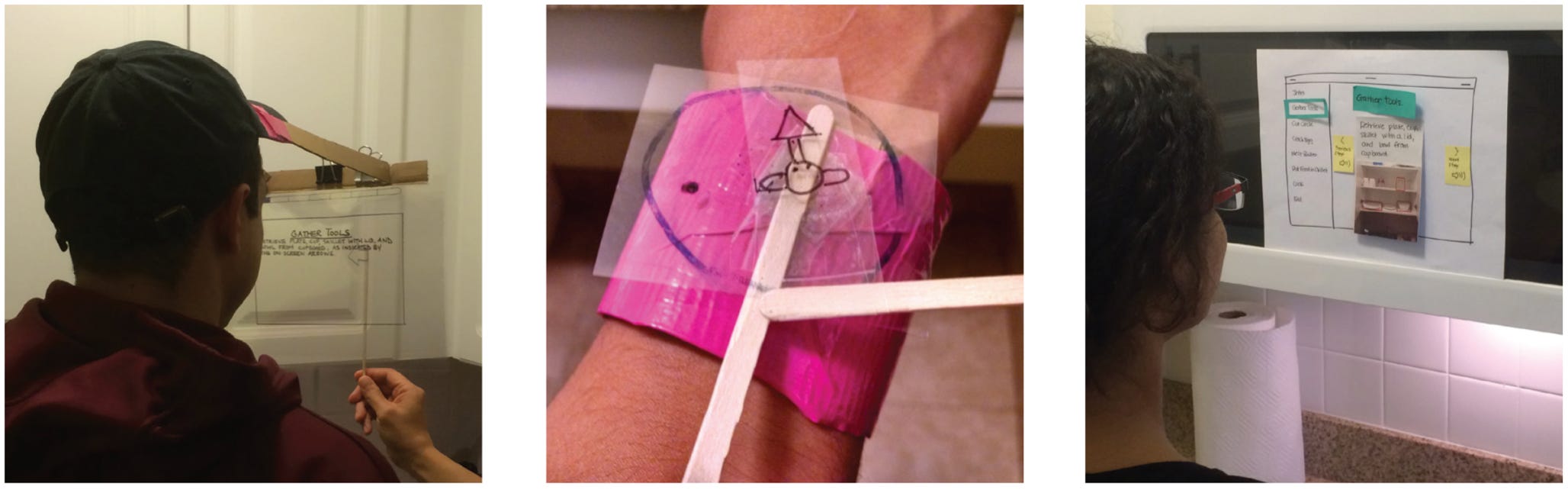
A prototype is anything that can be used to test your product’s concept. It can literally be anything - from a sketch to a paper cutout to even an acted-out play.
Prototyping in a more formal industry setting often takes the form of static or interactive Figma screens, but I encourage you to try other forms of prototyping before even putting anything onto a document.
For example, if you’re developing an app or a website, it can be helpful to just draw out what you want to make on a sheet of paper in order to get your ideas down. Then, you can even cut out those screens from a sheet of paper (bonus points if you cut them to resemble the device you’re designing the screens for)! You can keep them as black and white wireframes or even add little colors for higher fidelity. It’s really up to you and up to what issues you’re exactly trying to test.
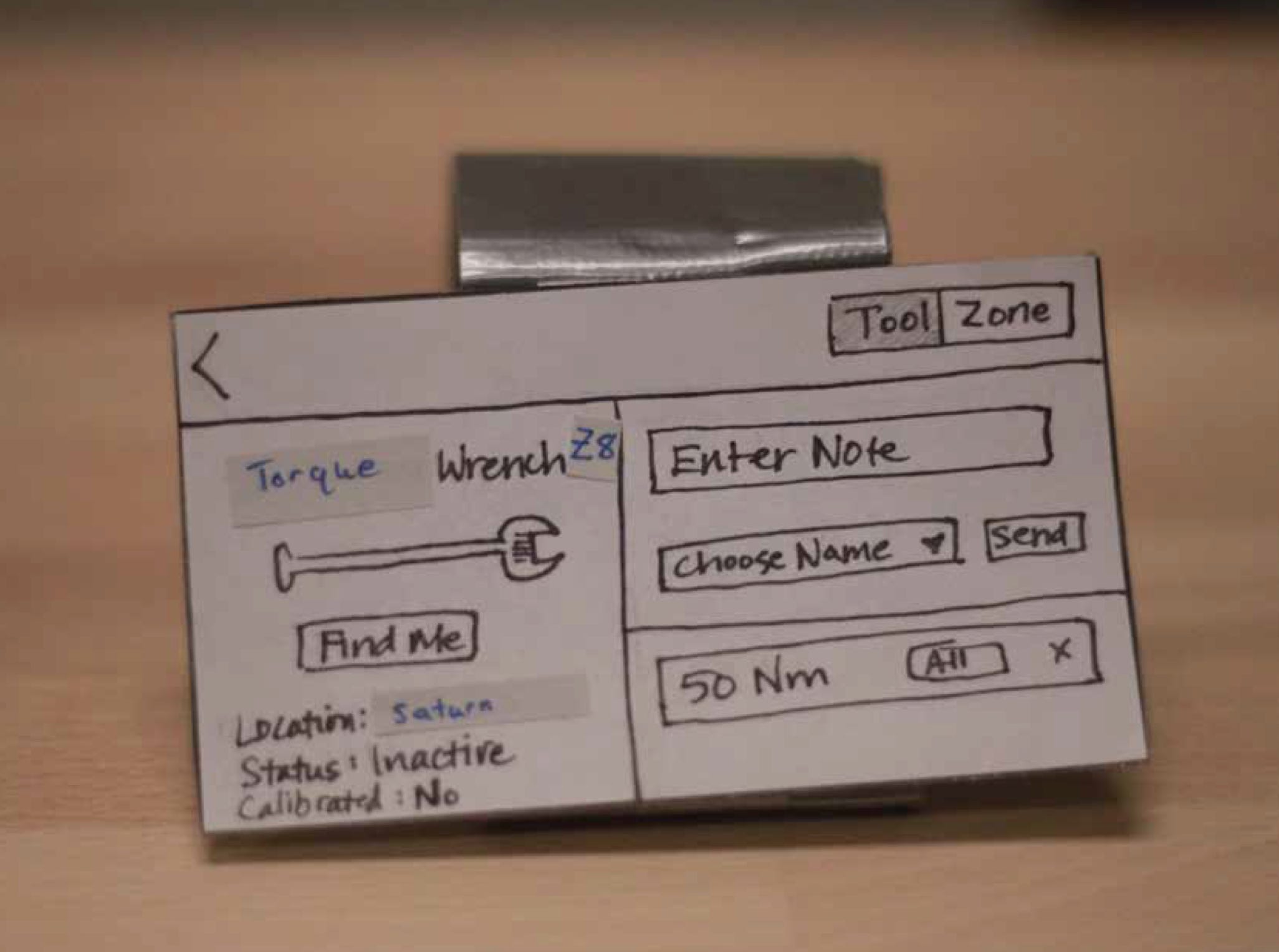
Rapid exploration is key!
If you’re trying to test between building specific features (such as having a list view vs. having a grid view), it’s worth trying A/B testing through your prototype. You can literally create a screen with a hand-drawn grid view and a hand-drawn list view to visually show your user tester the difference visually. If you want to take it a step further, you can also mock up other screens to show them what the next steps would look like if they were to either interact with a grid item or a list item. Though these prototypes are very low fidelity at this stage, they help answer the big question “is this even a good way to display my information?” rather than more granular details.
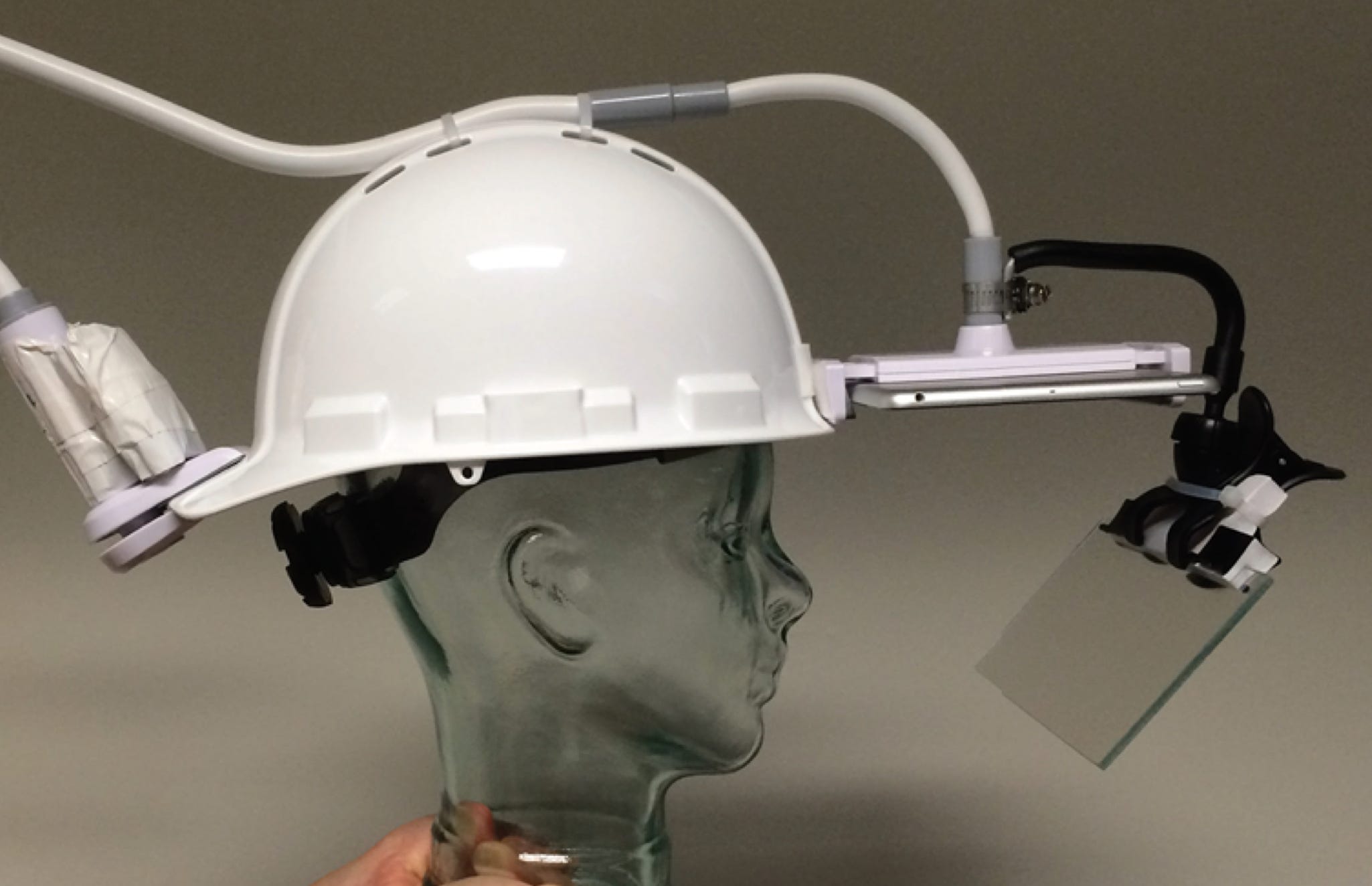
Of course, you don’t have to stick with just a few screens. Often the assumption is that the product may take form as a desktop or mobile app, but sometimes it may be worthwhile to explore different forms altogether. This kind of exploration of prototypes is what leads to unique new devices like VR goggles and smartwatches. To prototype these kinds of devices, all you need are some basic supplies to make them resemble the form, and from there you can explore if the function is suitable for such a form.
Of course, the best part of rapid prototyping is the rapid part. By prototyping and testing and failing quickly and repeatedly, you learn from your failures and figure out what works. Out of all the mistakes you will make, you will eventually be able to carve out a solution.
When you start prototyping, keep an open mind. At this stage, you’re mainly concerned with the low-budget designing. The engineering and fine details will come later. Early prototypes should be about answering the big picture questions, while later refinements will help you figure out the smaller details.Prototyping to get feedback with friends or even checking digital prototypes with our Wayfinder tool can help speed up the process by helping you get quick feedback.
If you need ideas for the design thinking process, check out our other post here. Try out the fuguUX Wayfinder here.